MOTION · TIMING · AI CAD
Decide how the machine moves — before you build it.
DynMech builds three tools for machine design engineers: model with AI inside SolidWorks, plan timing on a cycle chart, and turn CAD assemblies into moving simulations — from proposal to bid to design review.
Three tools that cover a machine’s design cycle
Each stands alone. Together they form one workflow.
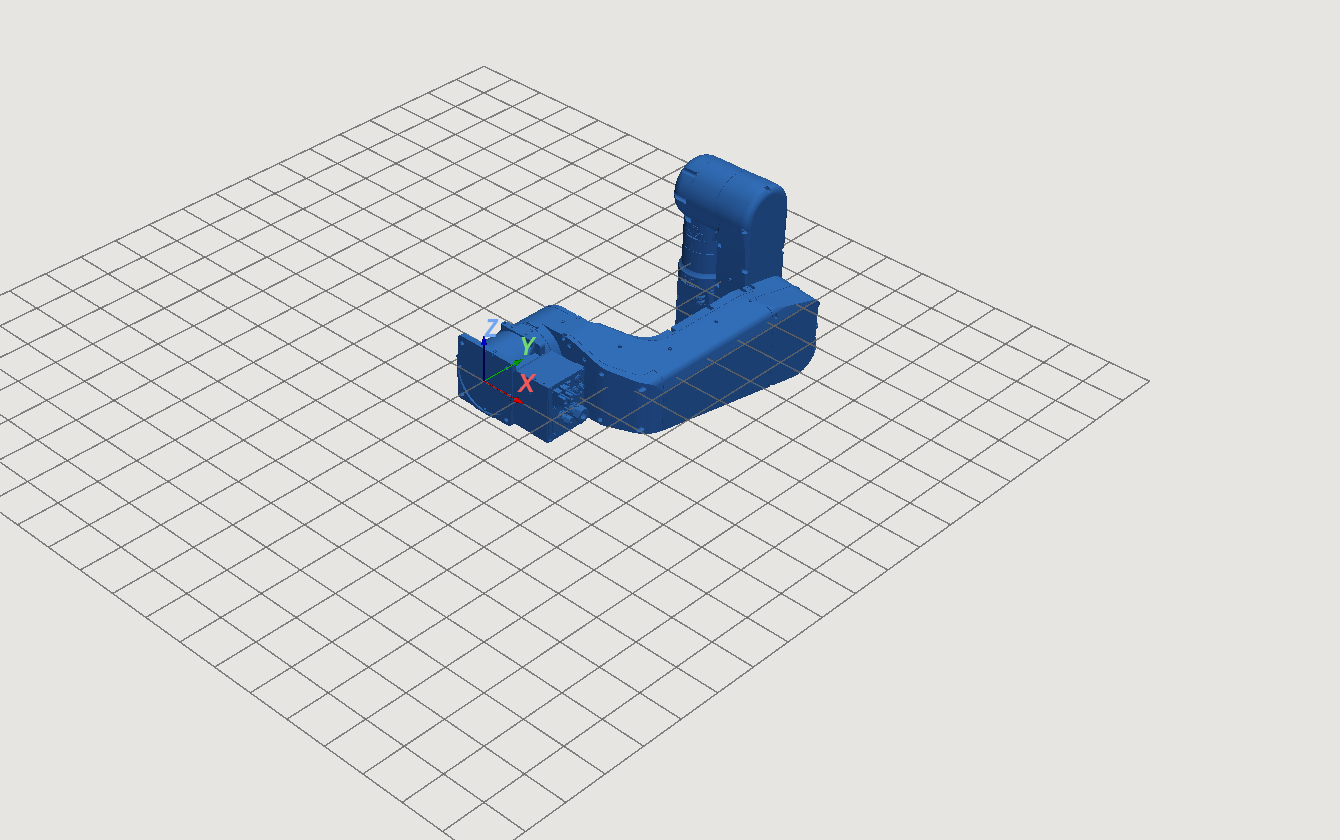
DynMech Motion
Import a STEP assembly, choreograph industrial-grade motion without code, and share 3D animations anyone can watch.
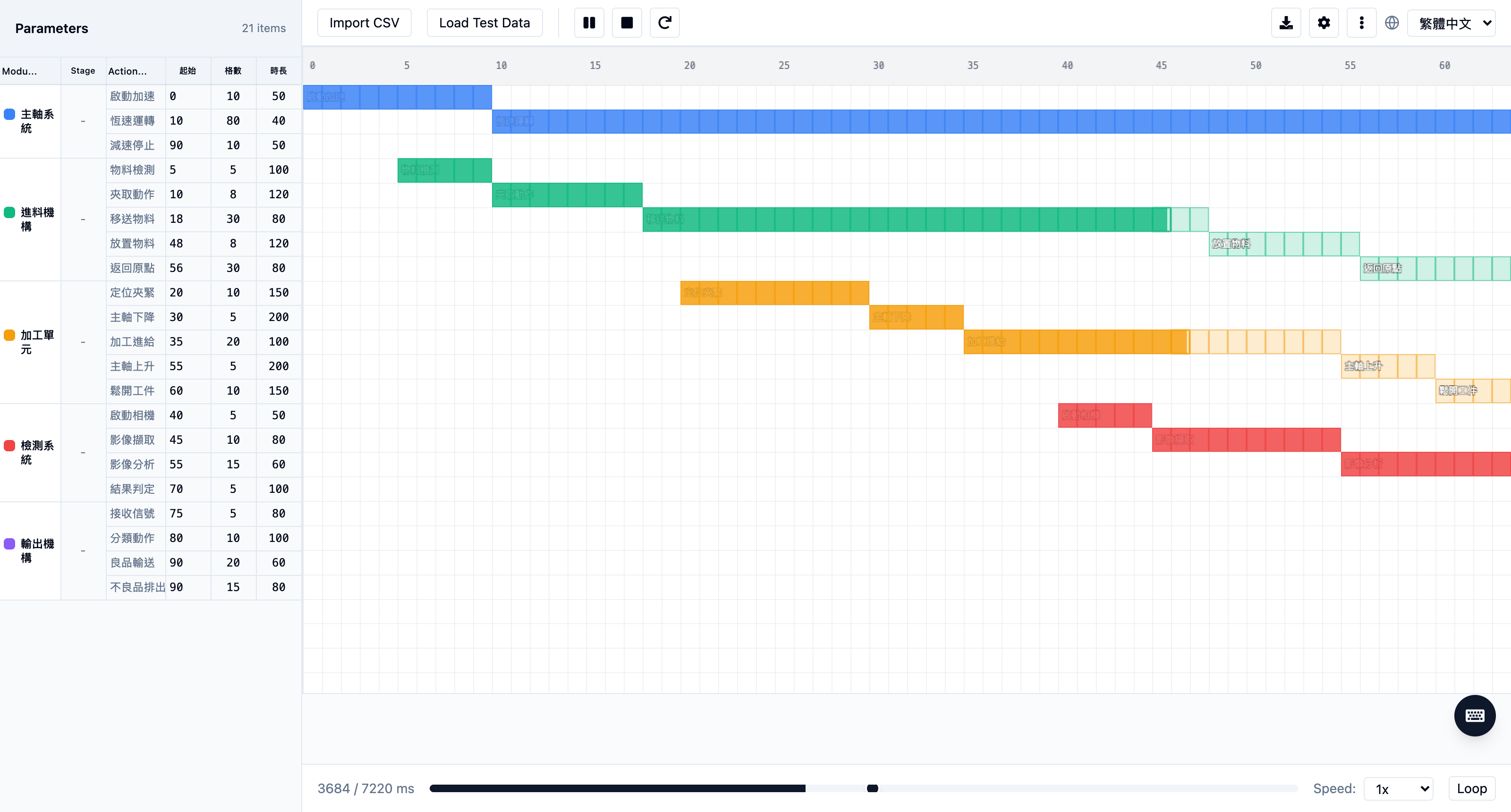
DynMech CycleView
Turn one CSV into a playing timing chart, spot the bottleneck at a glance, export MP4 and PDF straight into the bid.
DynMech SolidPilot AI
Click a face, say one sentence — voice included — and grow a well-named, editable native feature tree.
One custom machine, from idea to delivery
Every stage has a DynMech tool.
SolidPilot AI turns repetitive base modeling in SolidWorks into one sentence.
CycleView lays out the whole machine’s timing from a five-column CSV and finds the bottleneck.
Motion drives the assembly with real velocity profiles and shares it with customers via QR code.
Built into your CAD ecosystem
SolidPilot AI is a native SolidWorks add-in: PropertyManager panel, Hole Wizard standard holes, global variables and equations — what it generates is a genuine SolidWorks feature tree.
SolidWorks workflow →Model in FreeCAD, export STEP, and let Motion handle the motion simulation — free modeling plus professional motion, a complementary workflow.
FreeCAD workflow →